
Are Armrests Necessary on Office Chairs? Ergonomic Advice for DSE Workstations
Posted on 3 April 2026

Introduction
When setting up an office workstation, many people ask: Are armrests on office chairs really necessary?
Some believe armrests improve comfort and support, while others feel they encourage slouching or poor posture. In reality, the answer is not always straightforward. Armrests can sometimes help reduce strain on the shoulders and neck, but in many situations they create practical problems and may even interfere with good workstation setup.
As a Chartered Physiotherapist delivering IOSH Approved DSE Assessor Training, I frequently see these issues during workplace ergonomic assessments. Understanding when armrests are helpful – and when they are not – is an important part of effective workstation ergonomics and Display Screen Equipment (DSE) assessments.
Why Office Chairs Have Armrests
Armrests are designed to support the weight of the arms and reduce muscular effort in the shoulders and neck.
Each arm represents around 5–6% of total body weight, meaning the shoulder muscles must work continuously to stabilise the arms during keyboard and mouse use if no support is available.
Without support, muscles such as the upper trapezius and deltoids may remain active for long periods. Over time this can contribute to:
In theory, armrests can reduce this load by allowing the forearms to rest and helping the shoulders relax.
The Practical Problem with Office Chair Armrests
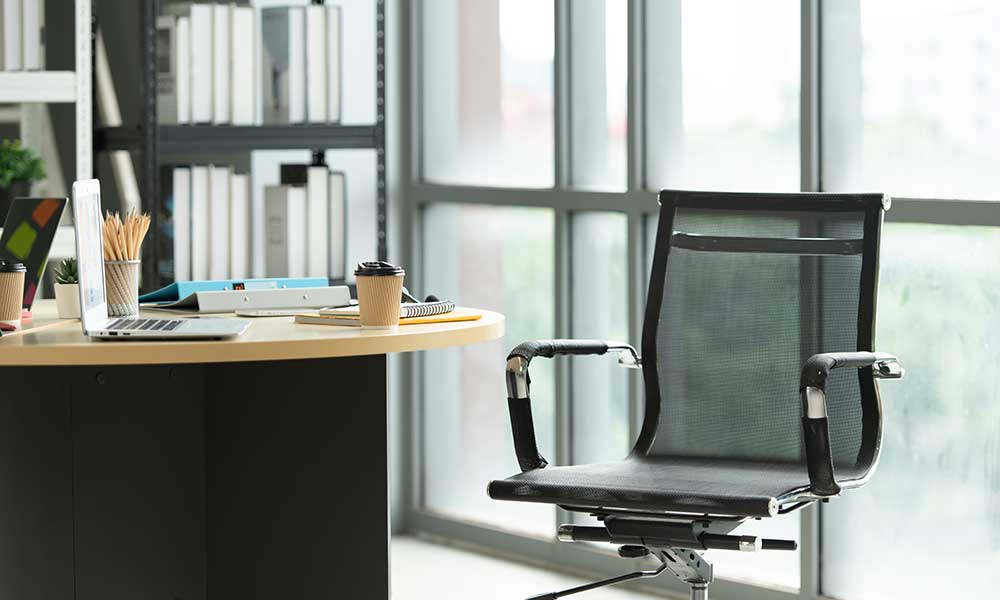
Although armrests are designed to provide support, in practice it can be very difficult to find an office chair where the armrests achieve an optimal ergonomic position.
Many chairs offer limited adjustment, which can lead to several common problems:
When armrests prevent the chair from moving close enough to the desk, workers often lean forward to reach the keyboard or mouse. Over time this can lead to loss of back support and increased strain on the neck, shoulders and lower back.
For this reason, armrests are often one of the most problematic elements identified during DSE workstation assessments.
The Cost of Armrests
Another factor that is often overlooked is the additional cost of armrests when purchasing office chairs.
Many office chairs include armrests as standard or offer them as an optional extra. Depending on the model, armrests can add approximately £30 to £80 per chair, and sometimes more for fully adjustable versions.
For organisations purchasing large numbers of chairs, this cost can increase significantly.
For example:
If armrests are not required for most employees, organisations could save considerable amounts of money by purchasing chairs without armrests.
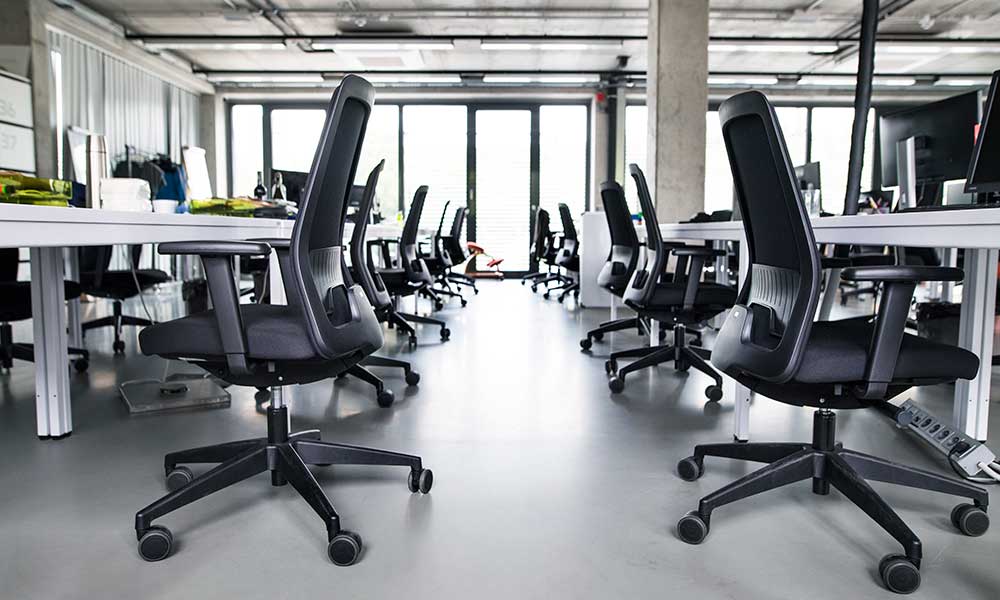
Chairs without armrests can also make it easier for workers to sit closer to the desk, potentially improving workstation ergonomics.
Do Armrests Cause Poor Posture?
Armrests themselves do not usually cause slouching.
Poor posture is more commonly related to other workstation setup issues, such as:
Even a well-adjusted chair cannot prevent discomfort if someone remains in the same position all day.
Good ergonomics is not about maintaining a single “perfect posture”, but about supporting comfortable working positions and encouraging regular movement.
An Alternative Approach: Working Without Armrests
In many cases, it may actually be better not to rely on armrests at all.
A practical alternative is to lower or remove the armrests and raise the chair height slightly so that the elbows sit just above desk level.
In this position:
This setup can reduce the need for the shoulder muscles – particularly the upper trapezius – to stabilise the arms continuously.
Instead of the chair armrests providing support, the desk surface itself can provide light forearm support when needed.
Important Considerations
If the chair is raised to achieve this position, it is important that the feet remain supported.
If the feet cannot rest flat on the floor, a footrest should be used.
The key ergonomic priority is that the worker can:
Armrests should support this position – not prevent it.
When Armrests May Be Beneficial
Although armrests are not always necessary for general desk work, there are situations where they can provide valuable support.
For example, individuals who have upper limb weakness, shoulder injuries, or who are recovering from upper limb surgery may benefit from armrests to help support the weight of the arms.
In these situations, armrests can help:
Armrests can also be helpful for individuals with lower limb weakness, as they provide additional support when standing up from or lowering into a chair.
Similarly, pregnant women may find armrests helpful when sitting down or standing up, as they can provide extra stability and reduce strain during these movements.
In these cases, armrests allow individuals to use their arms to assist with sit-to-stand movements, reducing the effort required from the legs.
As with all ergonomic adjustments, the key principle is that the workstation should be adapted to the needs of the individual user.
The Most Important Ergonomic Principle: Movement
Even with a well-designed workstation, sitting in any posture for long periods can lead to discomfort.
Encouraging workers to move regularly throughout the day is one of the most effective ways to reduce musculoskeletal strain.
Good practice includes:
Ergonomics is therefore not about maintaining a single ideal posture, but about supporting comfortable working positions while encouraging regular movement.
Need Help with Workplace Ergonomics?
Fit4Work provides IOSH Approved DSE Assessor Training to help organisations carry out effective workstation risk assessments and improve employee wellbeing.
Training is delivered by Chartered Physiotherapist Angela Hinton, with over 30 years of experience in occupational health, ergonomics and workplace injury prevention.
Tagged as: