Screen Brightness & Office Lighting – Why It Matters More Than You Think
Posted on 17 April 2026
Introduction
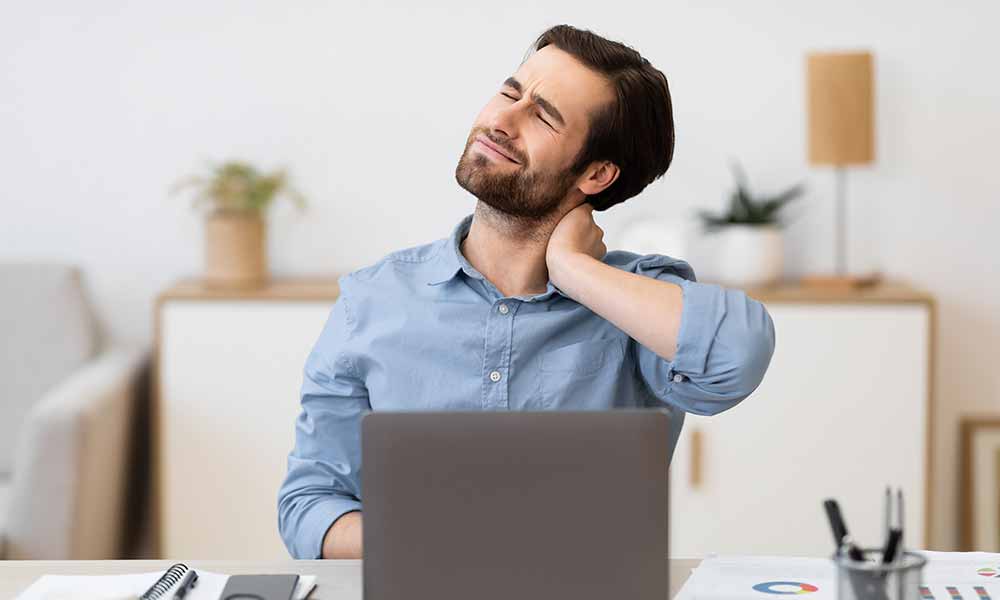
When people experience headaches, tired eyes or blurred vision at work, they often assume the problem is “too much screen time.”
In reality, it is frequently poor contrast and mismatched lighting.
As a physiotherapist delivering DSE Assessor training across NHS, corporate and home-working environments, I regularly see workstations where:
These minor setup issues can cause significant visual fatigue over time.
What Do the DSE Regulations Require?
Under the Health and Safety (Display Screen Equipment) Regulations 1992 employers must ensure that:
The regulations do not specify exact brightness levels; instead, they require that workstations be ergonomically suitable.
The Key Principle: Balance
The most important rule is simple:
Your screen should match the brightness of your surrounding environment.
If your screen looks like a torch in a dark room, your eyes constantly adapt between two light levels. If your screen is too dim in a bright office, you strain to read.
Both situations increase fatigue.
Practical Guidance for Offices
In a typical office:
For most users:
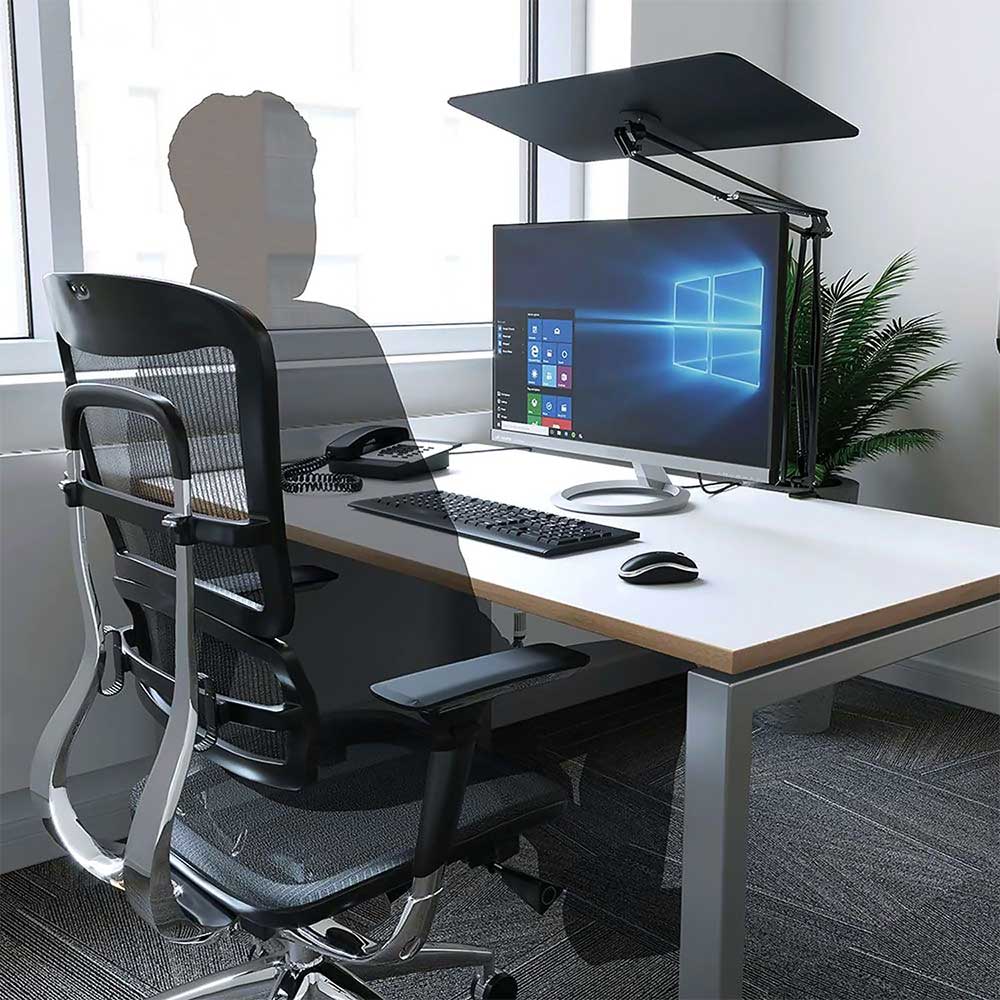
Position screens at 90 degrees to windows where possible and ensure blinds are available.
Why This Matters for Hybrid and Home Workers
Modern LED lighting and laptop screens do not always complement each other.
Warm home lighting (2700K) combined with a bright, cool-toned screen can increase glare and discomfort. Many home workers simply increase brightness instead of adjusting room lighting, which worsens the problem.
A good DSE assessment should always consider:
…in that order!
Fit4Work’s Approach
At Fit4Work, our DSE Assessor Training goes beyond basic checklist compliance.
We teach assessors to:
Good workstation design is not just about chairs and desks.
It is about designing work around human limits – including visual capacity.
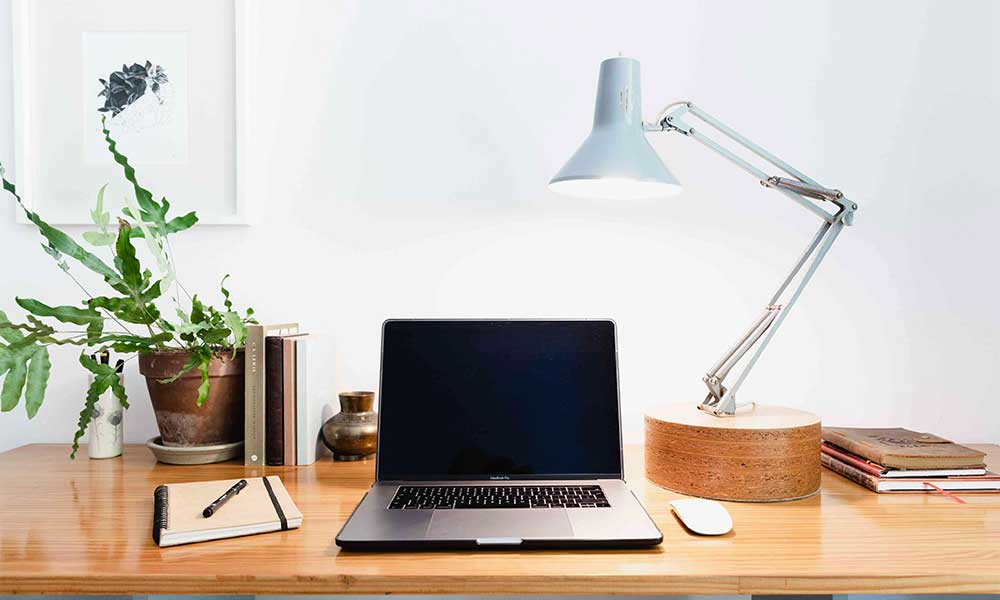
Best Option – Balanced, Well-Lit Workstation
Tagged as: